



Welcome to the Kaiju Family
Your Kaiju has arrived. Before you hit the trails, take a few minutes to go through this page — it covers everything you need to know to get set up, ride safely, and keep it running well. Bookmark it. You'll want to come back to it.
What's in the Box
- Kaiju Electric Scooter
- Charger
- Spare Tyre
- Setup Tools
- Screws
- Rear Mudguard
- Stem Tightening Tool
- Instruction Manual
Check everything is present before disposing of packaging.

Stem Tightening Tool
Use this tool to reduce stem wobble.
Simply fold your scooter, and use the tool to tighten the nut inside the folding mechanism
Spare Tire
Instruction Manual
Charger
Green means charged
Red means charging
Setup Tools
Use these tools to set up your Kaiju
The Display
The display sits at the top of the stem and shows three things at a glance:
- Speed — current speed in km/h
- Riding Mode — indicated by an icon (see below)
- Battery Level — shown as a percentage
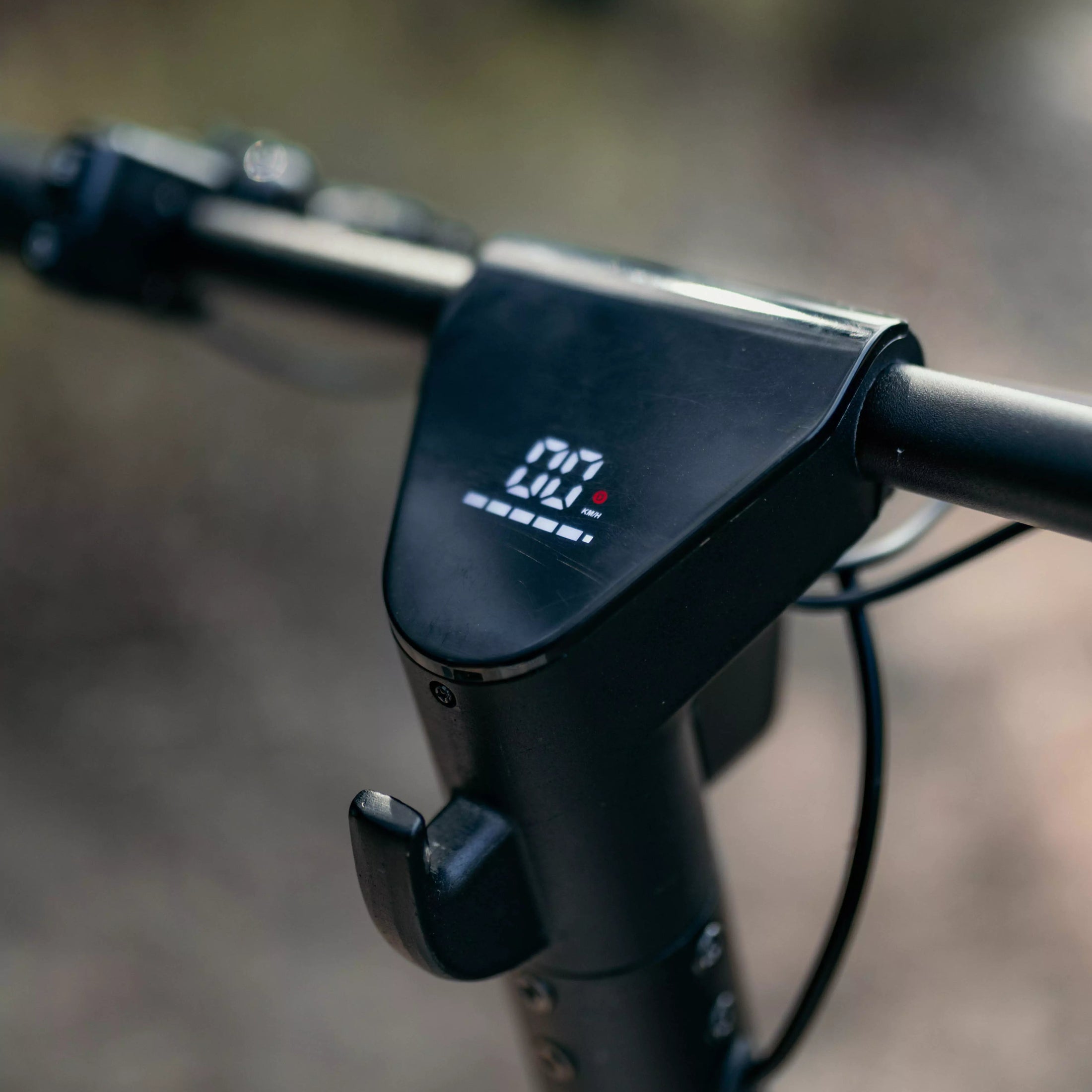
Controls
Left Handlebar - Two Buttons
Power button (bottom)
Hold to turn on/off.
Function button (top)
- Press once — cycle through riding modes
- Press twice quickly — toggle lights
Right Handlebar - Thumb throttle
Controls acceleration
Riding Modes
Pedestrian mode — No display icon. Low speed, footpath-friendly.
Drive mode — White circle with D on display. Standard commuting, good starting point for new riders.
Sport mode — Red circle with D on display. Full performance and maximum speed. Get comfortable in Drive first before using this mode.
The Display
The display sits at the top of the stem and shows three things at a glance:
- Speed — current speed in km/h
- Riding Mode — indicated by an icon (see below)
- Battery Level — shown as a percentage
Controls
Left Handlebar - Two Buttons
Power button (bottom)
Hold to turn on/off.
Function button (top)
- Press once — cycle through riding modes
- Press twice quickly — toggle lights
Right Handlebar - Thumb throttle
Controls acceleration
Riding Modes
Pedestrian mode — No display icon. Low speed, footpath-friendly.
Drive mode — White circle with D on display. Standard commuting, good starting point for new riders.
Sport mode — Red circle with D on display. Full performance and maximum speed. Get comfortable in Drive first before using this mode.
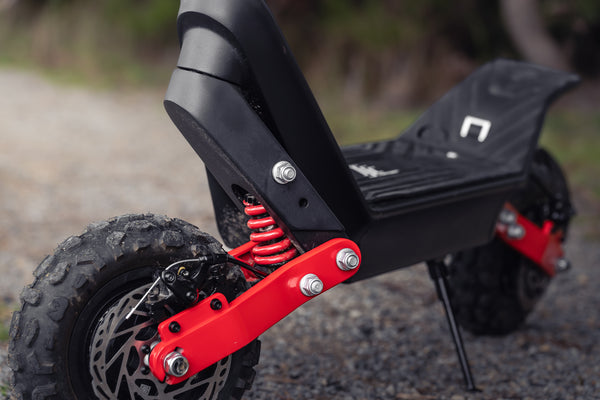
E-Scooter Troubleshooting
Identify issues fast. Find step-by-step solutions to get your scooter back on the road.
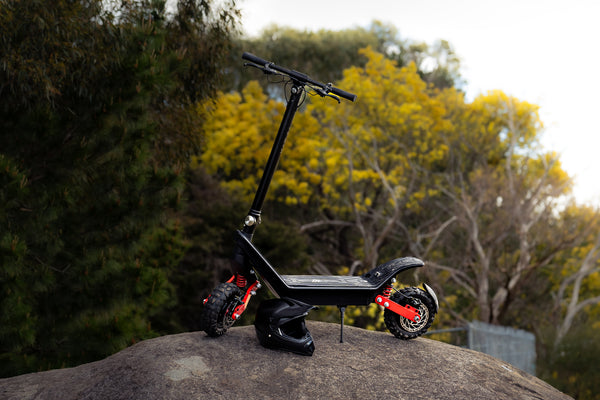
E-Scooter Maintenance
Keep your ride running smoothly. Simple care tips and schedules for long-lasting performance.
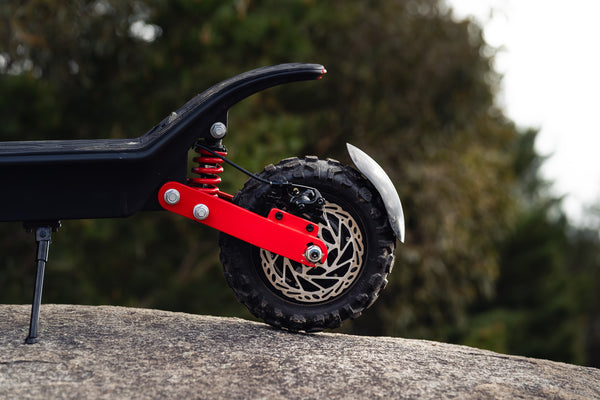
Customise Your Ride
Make it yours. Explore upgrades and accessories to personalise your scooter experience.
First Ride Checklist
1. Charge fully
Plug in and wait for charger light to turn green.
2. Check tire pressure
Both tires should be between 45-50 PSI.
3. Tighten the stem
Use the included stem tightening tool, check before every ride until it's familiar.
*The stem may have a wobble. If the wobble is still present, even after tightening, loosen the nut inside the folding mechanism, loosen the two bolts holding the folding mechanism on, tighten the nut inside the mechanism, and then re-tighten the two bolts.
4. Start in Drive mode
Get a feel for the scooter before switching to sport.
*Remember kick start is enabled
5. Check your brakes
Squeeze both levers before you ride. If either feels loose or pulls too far, adjust the cable tension before heading out.
FAQ
Find answers to your most common questions!
Do I need to fully charge it before my first ride?
Do I need to fully charge it before my first ride?
Yes. Charge to 10% before riding for the first time. The charger light will turn green when it's done. Usually 8-9 hours. This helps condition the battery for long-term performance.
My scooter won't move when I press the throttle.
My scooter won't move when I press the throttle.
The Kaiju will come with kick-start mode enabled. This means you need to kick off and reach a small amount of speed before the throttle engages - it won't accelerate from a standstill. You can turn this off in your settings. Head to our Customise Your Ride page above to learn how to adjust this.
How do I turn the lights on?
How do I turn the lights on?
Press the function button twice quickly.
How often should I check tire pressure?
How often should I check tire pressure?
Before every ride ideally, or at a minimum once a week. Keep both tires between 45-50 PSI. Off-road riding will drop pressure faster than road use.
How do I charge it?
How do I charge it?
There are two methods you can use to charge the scooter. First is with the battery in the scooter. Simply plug the charger into the spot at the bottom right of the deck. Or, you can take the battery out, and charge the battery directly.
Can I ride in the wet?
Can I ride in the wet?
We build the Kaiju to a stated IP rating, but that rating covers dust and splash resistance during normal use, not riding through rain, puddles, or wet conditions. Water exposure can cause damage over time regardless of the rating, and water damage is not covered under warranty. For the longest life from your Kaiju, store it dry and avoid riding in wet conditions.